You've successfully signed up!

Before we start have you downloaded the app?
If not you can download it here

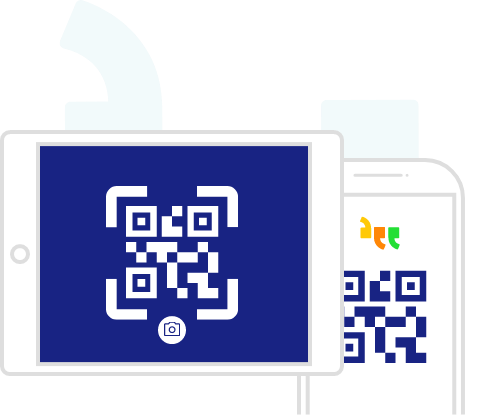
Select add device and your camera will automatically open.
Scan the QR code on your app and your device will be added to the portal.
Next you need to give your device a name. Do this in the settings feature of your phone or tablet. This is important as you can manage several devices for different users, all with unique content. Don't forget to save.

Make words quick and easy to find with your own personal categories.
Select add a category and give it a name.
Select the device you want to save it to.
Add your favourite things.
Don't forget to save.
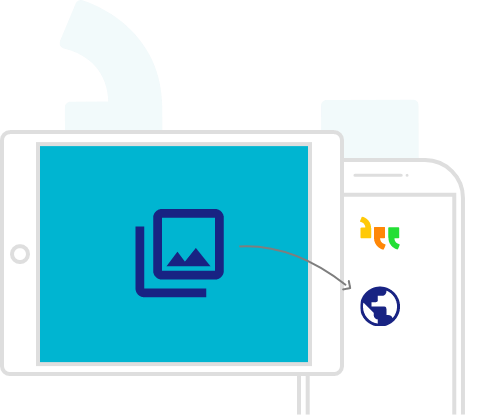
Now you can add your own images of your favourite things.
In the app, press the camera icon on your tablet or phone and take a photograph.
Select use photo and name your image.
It will now appear in the portal and in the app.
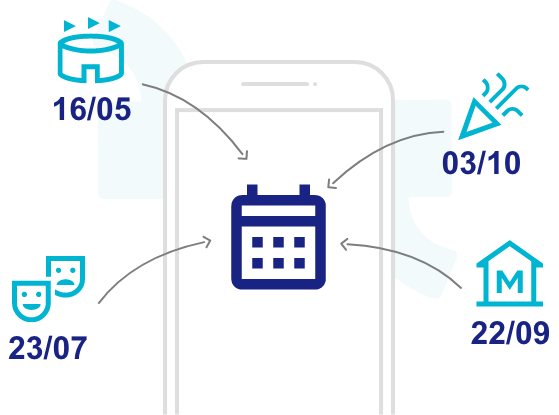
Next you can add special days and reoccurring events to your calendar.
Name your event.
Add the date.
Select the device you want to save it to.
Add your favourite things
Don't forget to save!
Finally you can view reports!
View the most used phrases by device.
Or see a full day's vocabulary by selecting a date from the calendar and selecting a device.